Text hooks vs spoken hooks: when captions should lead
Learn when to use on-screen text, when to speak the hook, how to pair both, where to place text, and copy practical examples.
TL;DR
- 1.Use an on-screen text hook when the viewer can understand the post without sound, especially for slideshows, faceless clips, product demos, and silent b-roll.
- 2.Use a spoken hook when the voice, face, emotion, or expert status makes the opening stronger.
- 3.Do not repeat the same sentence in text and speech. Let text set the topic. Let voice add a twist, proof, objection, or next step.
- 4.Keep hook text inside the visible center area, away from buttons, captions, profile info, and the bottom edge.
- 5.Build paired hooks with a simple script: text names the promise, voice gives the reason to keep watching.
On this page
A good text hook is not the same line pasted on screen and read out loud. Text and voice should share the job.
Let text name the problem fast. Let voice add proof, tension, warmth, or context.
What is a text hook on TikTok?
A text hook is the first on-screen line that tells the viewer why to keep watching. It is the headline of the video.
Here, “caption” means on-screen text inside the video. It does not mean the post caption below the video.
A spoken hook is the first line the viewer hears. It can come from a person on camera, a voiceover, or an AI voice.
Use this quick test. If the video still makes sense muted, text can carry the hook. If personality, tone, trust, or timing sells the idea, speech should lead.
When should the text hook do the work?
Use text first when the visual is clear but quiet. This fits packing orders, cooking, cleaning, designing, screen recordings, before-and-after clips, and product demos.
Use text first for slideshows because the viewer is already reading. The first slide should work like a headline, not a label.
Use text first for faceless videos too. There is no face in the first moment, so the line on screen has to build the reason to stay.
Text should also lead when audio is not the main value. That includes ambient sound, trending audio, music, and silent b-roll.
Good text-led formats
- Slideshow posts, where slide one carries the promise.
- Product demos, where the viewer can see the result.
- Screen recordings, where the cursor or app does the explaining.
- Faceless b-roll, where the text gives meaning to a simple scene.
- Before-and-after clips, where the visual proof is easy to read.
Text hook templates
- 01
Problem warning · Stop buying [thing] until you check [detail].
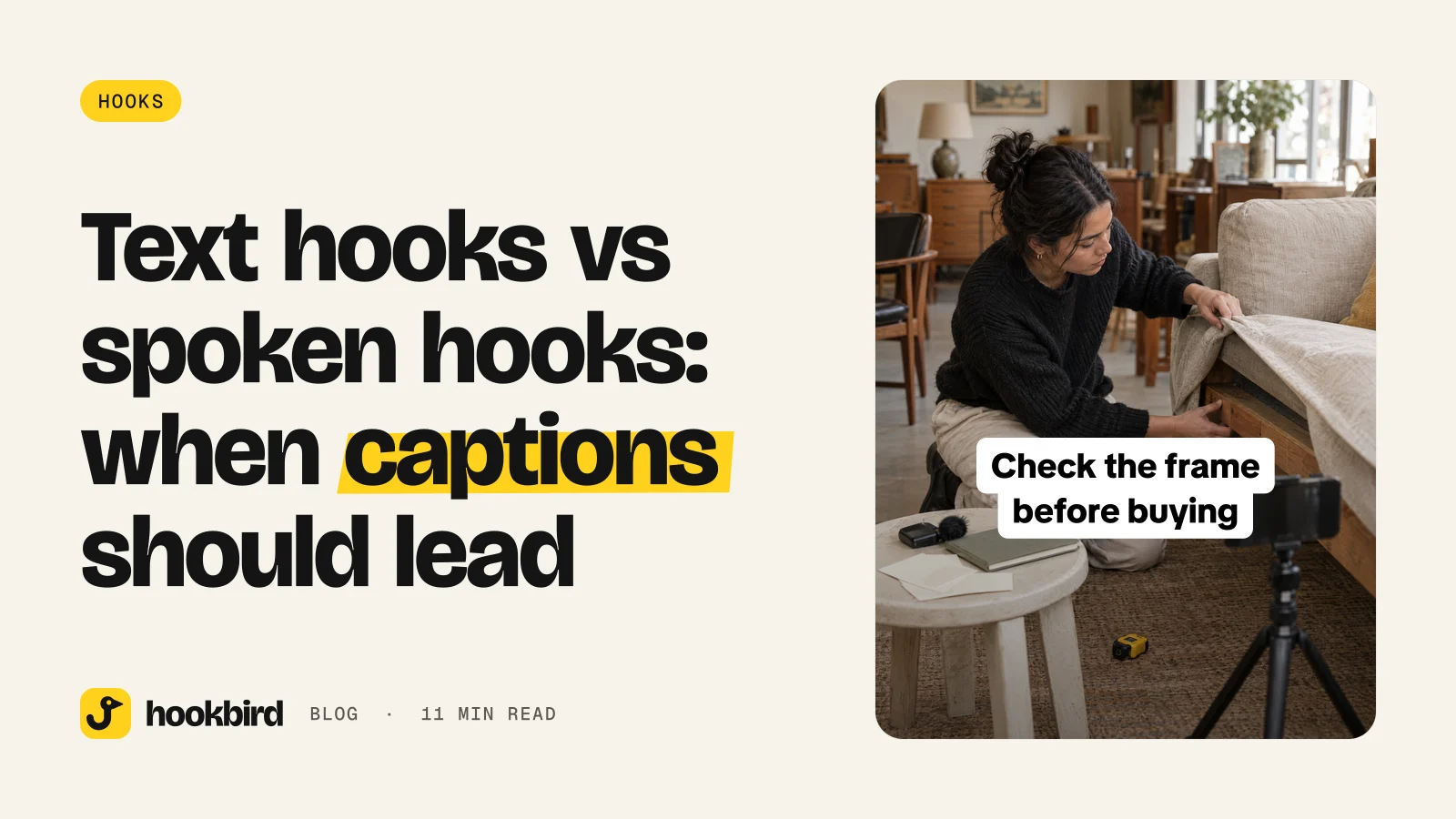
Stop buying a used couch until you check the frame.
Problem warning. It gives the viewer a reason to pause. It can backfire if the detail is obvious.
- 02
Costly mistake · The [audience] mistake that costs you [pain].
The first-time renter mistake that costs you storage space.
Costly mistake. It points at a specific audience and pain. Avoid it if you cannot show the fix fast.
- 03
Visual diagnosis · If your [thing] looks like this, do this next.
If your sourdough looks flat here, do this next.
Visual diagnosis. It pairs well with clear b-roll. It fails when “this” is not visible.
- 04
Decision filter · I’d never choose [option] before checking [factor].
I’d never choose a dog harness before checking shoulder fit.
Decision filter. It makes the post feel useful before the viewer hears a word.
- 05
Bad-fit test · The fastest way to spot a bad [provider/product].
The fastest way to spot a bad moving quote.
Bad-fit test. It creates tension and invites a clear checklist. It backfires if it sounds like a vague scare tactic.
When should the spoken hook lead?
Use speech first when trust comes from the person. Founder stories, expert advice, reactions, myth-busting, sales objections, and UGC-style talking heads all gain from a real voice or a strong presenter style.
Tone can change the meaning. “Don’t buy this yet” feels different when said by a calm expert than when it sits alone as text.
Speech should also lead when the opening needs warmth, humor, surprise, or a human pause. A tiny hesitation can make the line feel more honest.
Use speech first when the visual is unclear without narration. A close-up, messy desk, process mid-step, or chart may need a voice to frame what the viewer is seeing.
A spoken hook can still use text. Keep the on-screen text shorter than the spoken line, so it acts like a label, not a duplicate script.
Spoken hook templates
- 01
Expert filter · “I would not buy [thing] until I checked this.”
I would not buy a starter espresso machine until I checked this.
Expert filter. It works when your tone signals help, not judgment. It fails if the video does not show the check.
- 02
Hidden truth · “Here’s what no one tells you about [topic].”
Here’s what no one tells you about booking a small wedding venue.
Hidden truth. It creates curiosity fast. Use it only when the answer is specific.
- 03
Choice guide · “If you’re choosing between [A] and [B], start here.”
If you’re choosing between LLC and sole proprietor, start here.
Choice guide. It helps viewers who are stuck between options. It can feel too broad if the options are not named.
- 04
Surface versus real problem · “This looks like [surface problem], but it’s usually [real problem].”
This looks like a weak logo, but it’s usually a positioning problem.
Surface versus real problem. It adds expert framing. Do not overreach beyond what the video proves.
How do you pair text and speech without repeating yourself?
The pairing rule is simple. Text labels the promise. Speech adds the angle.
Bad pattern: text says “Mistakes to avoid when buying a sofa,” while the voice says the same line word for word. That wastes the opening beat.
Better pattern: text says “Sofa mistakes that make a room feel smaller.” Voice says, “The first one is the one most people choose on purpose.” Now the voice adds tension.
The pairing formula
| Text does this | Voice does this | Example |
|---|---|---|
| Names the pain | Gives the proof | Text: “Your shelf styling feels crowded.” Voice: “It’s usually not the number of objects. It’s the spacing.” |
| Names the audience | Names the mistake | Text: “New cafe owners, check this.” Voice: “Your menu board may be slowing down orders.” |
| Makes the claim | Adds the caveat | Text: “This bag fits more than it looks.” Voice: “But only if you pack the base first.” |
| Asks the question | Gives the first answer | Text: “Is your ad account wasting budget?” Voice: “Start with the placements, not the creative.” |
| Sets up contrast | Reveals your side | Text: “Cheap tile versus durable tile.” Voice: “I’d pick the boring one for this room.” |
The repeat test
- 1
Write the text hook first
Make it the shortest clear version of the promise.
- 2
Write the spoken hook as the next sentence
Add proof, tension, a caveat, or the first step.
- 3
Cut repeated words
If the text and speech share the same phrase, remove it from one side.
- 4
Check both versions alone
The opening should still make sense with sound off. It should still feel human if the text is removed.
Where should the text hook sit on the screen?
Keep the hook inside the central viewing area. Do not pin it to the very top or bottom, where it can feel cramped or get covered.
Avoid the lower right, where platform buttons often sit. Avoid the lower left if your post has captions, a username, or a long description preview.
Place the hook near the visual proof when you can. But do not cover the product, face, hands, chart, or final result.
Safe placement checklist
- Put the hook around the upper-middle or center-left area when the visual allows it.
- Keep faces, hands, products, and before-and-after proof clear.
- Use two short lines instead of one long line that runs edge to edge.
- Watch the video once with your thumb near the right side, the way a viewer holds a phone.
Readable text rules
- Use high contrast, like dark text on a light box or white text with a shadow.
- Keep the first slide of a slideshow readable as a standalone headline.
- Move supporting detail to later slides.
- If you repurpose the video for YouTube Shorts, use a square or taller frame; Shorts can be up to 3 minutes long, according to YouTube.
Text and spoken hook pairs you can copy
Use these as swap-in starters. Keep the text line visible, then let the spoken line add the reason to watch.
| Format | Text hook | Spoken hook | Best for | Why it works |
|---|---|---|---|---|
| Local service | Don’t book a [service] until you ask this | Most people skip the question that tells you how the job will actually go. | Plumbers, cleaners, movers | Text names the decision. Voice adds risk. |
| Restaurant | The menu item we’d order for a first visit | If you only try one thing here, make it this. | Restaurants, cafes | Text feels like a recommendation. Voice makes it personal. |
| Ecommerce | This [product] looks small, but solves a big problem | Here’s where customers usually put it. | Home goods, accessories | Text creates contrast. Voice shows use. |
| Coach | [Audience], stop starting with [wrong step] | You’ll get a cleaner result if you do this first. | Coaches, consultants | Text calls out the viewer. Voice gives the fix. |
| SaaS | Before you choose [software], check this screen | This is where the hidden work shows up. | SaaS, apps | Text frames the choice. Voice points to proof. |
| Real estate | The open house photo that tells you more than the listing | Zoom in here before you fall in love with the kitchen. | Agents, buyers | Text creates curiosity. Voice gives a viewing action. |
| Beauty | This is why your [beauty result] does not last | It is usually not the product. It is this step. | Salons, skincare | Text names the pain. Voice challenges the assumption. |
| Fitness | If your workouts always stall here, watch this | You may be training the hard part too late. | Trainers, gyms | Text finds the stuck point. Voice hints at a change. |
| Home repair | The leak clue homeowners miss | By the time you see water here, the source is usually higher up. | Roofing, plumbing | Text names the clue. Voice adds expert context. |
| Pet business | The dog toy mistake we see every week | Size is only one part. Texture matters too. | Pet stores, trainers | Text makes it familiar. Voice gives a simple rule. |
| Dentist | A dentist can spot this before you feel pain | This is why we ask about sensitivity even when nothing hurts. | Dental offices | Text builds trust. Voice explains the process. |
| Accountant | Do this before you send receipts to your accountant | It saves back-and-forth later. | Accountants, bookkeepers | Text gives a task. Voice gives the reason. |
How to do this in Hookbird
- 1
Start with your brand
Paste your website URL into Brand onboarding. Hookbird drafts a brand card, likely competitors, audience segments, content angles, and a content plan you can edit.
- 2
Build the hook pair
Use Hook Lab to write a text hook, see the pattern it uses, what works, what to fix, and an estimated percentile against your niche. Generate hooks from your brand and angles, then rewrite one into an on-screen line and one spoken line.
- 3
Pick the right format
Send the hook to Create. Use slideshow, wall of text, short video, images, or animated stories when text carries the hook. Use UGC talking head, voiceover, podcast clip, green screen, street interview, or hook + demo when speech carries it.
- 4
Study and schedule
Use Radar to study competitor ads and trends by niche and region, then turn an angle into your own post with Remix or Use this trend. Use Benchmarks and analytics to compare results by format and hook pattern. Schedule drafts from the calendar when the post is ready.
Frequently asked questions
What is a good text hook for TikTok?
A good text hook names the viewer, problem, or promise in one quick glance. Use a line like “Stop buying [thing] until you check [detail]” or “If your [thing] looks like this, do this next.” The best text hook is clear even when the sound is off.
Should TikTok hooks be spoken or written on screen?
Use written text when the visual can explain the post, like a demo, slideshow, or faceless clip. Use a spoken hook when trust, tone, humor, or expertise makes the idea stronger. If you use both, do not repeat the same sentence.
Where should I put text on a TikTok video?
Keep hook text in the central viewing area, away from the very top, bottom, lower right, and lower left. Do not cover the face, product, hands, chart, or final result. Use short lines and high contrast.
How do I write a TikTok hook for a faceless video?
Let the text do more of the work. Name the problem or decision while the b-roll gives proof, such as “The leak clue homeowners miss” over a close-up of water damage. If you add voice, make it the next thought, not the same line again.