Restaurant social media from one menu: a 4-week plan
Turn one menu into a month of restaurant posts with pillars, hooks, formats, captions, shooting prompts and metrics to track.
TL;DR
- 1.Start with the dishes people can buy today. Tag each item with a clear angle: appetite, craft, story, staff pick, offer or local tie-in.
- 2.Rotate food, process, staff, regulars, offers and local posts so your feed does not become a wall of discounts.
- 3.Shoot during prep, plating, quiet resets and after service so content does not slow the floor.
- 4.Give every post one job: get saves, spark comments, answer a menu question or drive a visit.
- 5.Track format, hook and menu item so you know what deserves another post next month.
On this page
- What can you post when all you have is the menu?
- Which content pillars should a restaurant rotate?
- What is the 4-week restaurant social media calendar?
- Which hooks work best for food posts?
- How do you shoot this with a phone during service?
- What should you write in the caption?
- What should you measure after the month?
- How to do this in Hookbird
- FAQ
Restaurant social media gets easier when you stop treating every post like a new campaign. Your menu is the content library.
One dish can become a close-up, a chef note, an ingredient story, a staff pick, a pairing and a lunch offer. Repeat that across the menu and you have a month of posts without starting from zero.
What can you post when all you have is the menu?
Start with the food people can buy today. Pick the dishes that deserve repeat attention, then give each one a job.
Pick dishes worth repeating
- Best sellers: the items people already know and order often.
- High-margin items: the dishes or drinks you want more people to notice.
- Seasonal specials: the menu items with a natural reason to post now.
- Visual dishes: anything with steam, stretch, crunch, color, layers or a strong pour.
- Question magnets: dishes guests ask about before they order.
Map each dish to useful angles
| Menu item | Why feature it | Best visual | Customer question | Offer angle | Local angle |
|---|---|---|---|---|---|
| [Dish] | Best seller, special or high-margin item | Pull, pour, cut, stack or close-up | What do guests ask before ordering? | Lunch, combo, add-on or limited run | Nearby office, market, school, event or street |
| Spicy chicken sandwich | Lunch favorite | Sauce brush and first bite | How spicy is it? | Weekday lunch bundle | For people near [landmark] |
| Mushroom tacos | Vegetarian option | Plancha sizzle | Is it filling? | Taco pair with agua fresca | Before the [local event] crowd |
Which content pillars should a restaurant rotate?
Use pillars so your feed does not become a wall of offers. Food and people should carry the month. Offers should support them.
| Pillar | Job | Post ideas |
|---|---|---|
| Dish close-ups | Create appetite | Knife through the lasagna; maple syrup over pancakes |
| Behind the pass | Build trust | Show the dumpling fold; plate the fish from pan to pass |
| Staff | Build familiarity | Server’s go-to lunch; baker explains the weekend pastry |
| Regulars | Show proof | Guest-approved pairing with permission; staff reads a short comment without naming the guest |
| Offers | Drive action | Lunch combo; dessert add-on for dinner |
| Local | Build community | Pre-show dinner pick; rainy-day soup near [landmark] |
What is the 4-week restaurant social media calendar?
This calendar gives you a month of posts from one menu audit. Use vertical video for Reels, TikTok and Shorts. For YouTube, Shorts are vertical videos that are 3 minutes or less, according to YouTube Help.
Use carousels or slideshows when people need to compare choices. Use Google Business Profile for menu photos, specials and posts tied to location searches.
| Day | Pillar | Format | Hook | Shot list | Caption job |
|---|---|---|---|---|---|
| W1 Mon | Dish | Slideshow | If you only try one [dish], make it this. | Hero photo, detail, bite, side, menu note | Create appetite |
| W1 Wed | Story | Wall of text | Why this dish tastes like [specific detail]. | One strong plate photo | Explain the difference |
| W1 Fri | Local | Photo | Going to [event]? Eat this first. | Exterior, table, dish | Tie the dish to a plan |
| W2 Mon | Process | Short video | The [ingredient] step most people never see. | Prep, hand motion, finished dish | Show craft |
| W2 Wed | Dish | Short video | The final moment before this hits the table. | Pass, garnish, server pickup | Show freshness |
| W2 Fri | Offer | Photo | This is your [weekday] lunch plan. | Combo, drink, counter | Drive action |
| W3 Mon | Decision | Slideshow | Order [dish] with [drink or side]. | Dish, side, drink, final table | Help people choose |
| W3 Wed | Decision | Wall of text | How spicy is our [dish], really? | Dish photo with sauce | Answer a concern |
| W3 Fri | Add-on | Photo | The add-on people forget until they see it. | Close-up, spoon, pour | Increase basket idea |
| W4 Mon | Offer | Short video | This [special] is here for a short run. | Prep, plate, menu board | Create a reason to act |
| W4 Wed | Chef | Wall of text | What the kitchen wants you to notice. | Chef hands, finished dish | Build trust |
| W4 Fri | Recap | Slideshow | The dishes people asked about this month. | Top dishes, menu close-up | Repeat what worked |
Which hooks work best for food posts?
A good food hook makes one choice clear. It can sell appetite, help someone order, show kitchen craft or give a reason to visit now.
- 01
If one, then this · If you only try one [dish] here, make it this.
If you only try one pasta here, make it the short rib rigatoni.
It reduces choice and points attention at one dish. It backfires if every post says the same thing.
- 02
Specific sensory detail · The [texture] on this [dish] is the whole point.
The crisp edge on this smash burger is the whole point.
It gives people something to notice. It needs a visual that proves the texture.
- 03
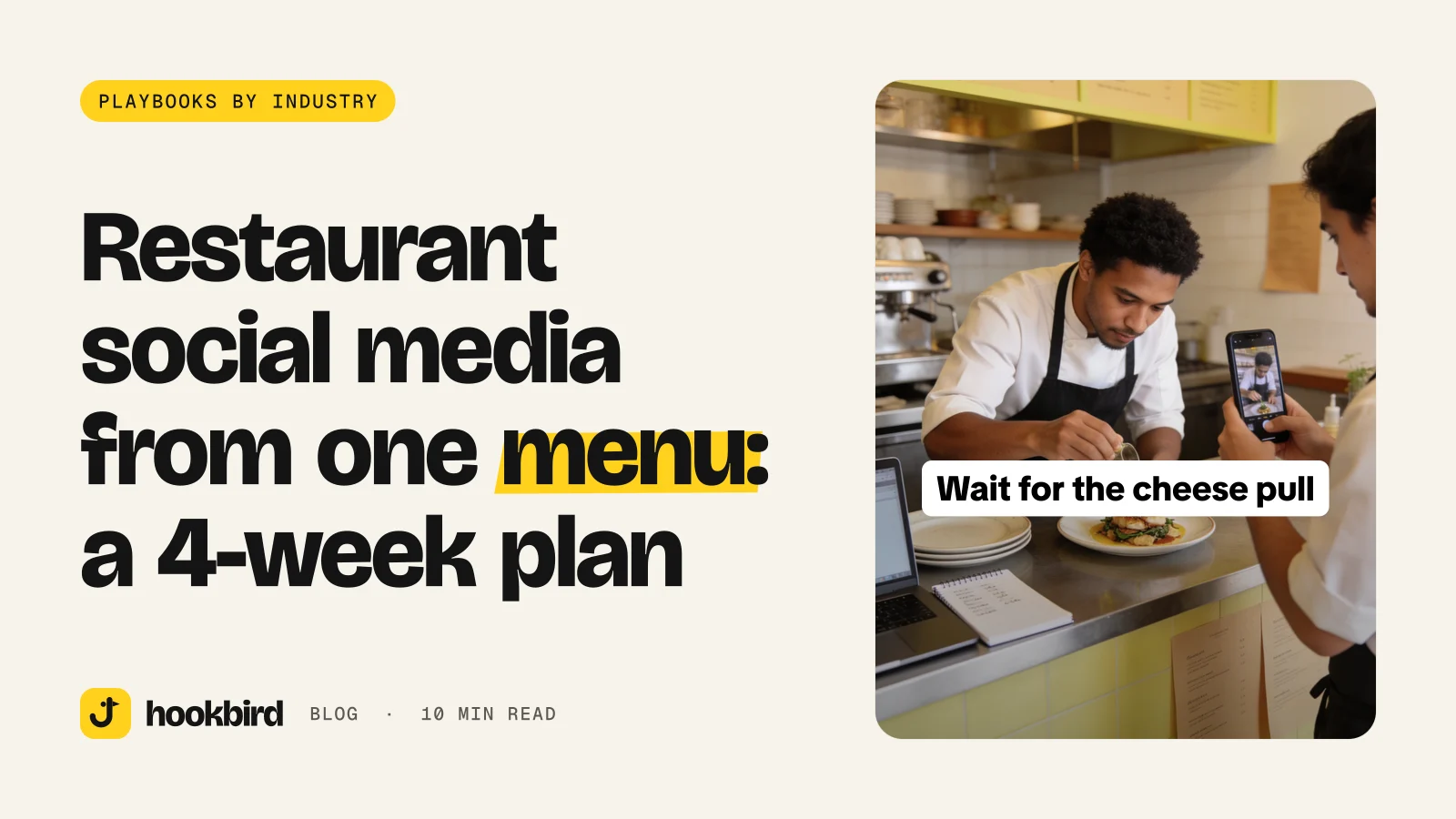
Wait for it · Wait for the [pull, pour, cut or crack].
Wait for the cheese pull.
It sets up a visual payoff. Do not use it if the payoff is weak or slow.
- 04
First-timer guide · First time at [restaurant]? Order this.
First time at Mina’s Café? Order the shakshuka.
It helps new guests avoid menu stress. Add one reason so it does not feel bossy.
- 05
Preference match · If you like [flavor], get [dish].
If you like smoky heat, get the chipotle chicken tacos.
It connects taste to order choice. It needs a clear flavor cue.
- 06
Occasion fit · The best [occasion] order is [dish].
The best quick lunch order is the chicken rice bowl.
It puts the dish into a real moment, such as lunch, pre-show dinner or takeaway.
- 07
Hidden process · The [ingredient] step most people never see.
The dough step most people never see.
It creates curiosity without a gimmick. It needs a real behind-the-scenes shot.
- 08
Back for now · [Dish] is back for [limited moment].
Strawberry cream buns are back for the weekend.
It gives a natural reason to act. Only use it when the item is truly limited or seasonal.
For slideshows, put the hook on slide one. For short video, use it as the first line and on-screen text. For wall of text posts, start with a strong opinion or a specific claim.
How do you shoot this with a phone during service?
Shoot when the food is already being made. Good windows are before the rush, during prep, at plating, after service and during a quiet table reset.
- 1
Start with the food
Film steam, sauce, a cut, a pour or the first bite.
- 2
Capture the process
Get a repeatable action like folding, flipping, brushing or garnishing.
- 3
Add a staff line
Ask for one simple sentence: “I’d order this with [side].”
- 4
Show the room
Film the dish on a table, at the counter or near a window so it feels like a visit.
- 5
Show the outside
Use a quick exterior or street shot to place you in the neighborhood.
- Slideshow: shoot the plate, detail, process, menu note, pairing and final table.
- Short video: hold each clip steady, film vertical and make the first shot readable.
- Wall of text image: use one clean image with space for text and no messy background.
- Wipe plates, clear clutter and use window light or pass light when you can.
- Do not film tickets, private guest conversations, messy handoffs or anything that slows the line.
Google Business Profile videos can be up to 30 seconds long, up to 75 MB and 720p or higher resolution, according to Google Business Profile Help.
Google Business Profile photos should be JPG or PNG, between 10 KB and 5 MB, with a recommended resolution of 720 px by 720 px and a minimum resolution of 250 px by 250 px, according to Google Business Profile Help.
What should you write in the caption?
Use a simple line order: hook, sensory detail, practical detail, local cue and call to action. This keeps the post useful, not just pretty.
- Dish: “If you like [flavor], start with [dish]. It is [texture] with [key ingredient]. Available [dine-in or takeout] near [landmark]. Save this for [occasion].”
- Special: “[Dish] is on today. We made it with [ingredient] and it is best for [occasion]. Ask for it before [time or quantity note].”
- Staff pick: “[Name]’s shift meal is [dish] with [side]. It works because [reason]. Try it next time you are near [area].”
- First-timer guide: “New here? Order [dish] if you want [flavor or texture]. Add [side or drink] if you are sharing.”
- Local event: “Before [event], get [dish] and [drink]. We are [practical location note]. Book, call or walk in.”
What should you measure after the month?
Measure for decisions. You want to know which menu items to repost, which hooks to reuse, which formats to keep and which offers brought action.
| Date | Menu item | Pillar | Format | Hook pattern | Platform | Signals | Notes from the floor |
|---|---|---|---|---|---|---|---|
| [Date] | [Dish] | [Pillar] | [Video, slideshow or photo] | [Pattern] | [Channel] | Saves, comments, shares, clicks, bookings or calls | Did people mention it, ask about it or order it? |
- Saves can mean people are planning a future visit.
- Comments can show desire, confusion or menu questions.
- Shares can point to group meals and planning.
- Clicks, bookings and calls can show stronger intent.
- Compare posts from the same account and same month before you chase outside benchmarks.
How to do this in Hookbird
- 1
Draft the plan from your website
Paste your restaurant URL. Hookbird drafts a brand card, likely competitors, audience segments, content angles and a content plan you can edit.
- 2
Tighten the hooks
Use Hook Lab to score a food hook, see the pattern it uses, review what works and what to fix, then rewrite it or send it to Create.
- 3
Turn posts into formats
Create slideshows, wall of text images, short videos, UGC talking heads, hook + demo posts using your own food clip, images, voiceovers, consistent influencer posts or animated stories. Each generation shows its credit price before you click.
- 4
Plan, compare and repeat
Use Radar to review competitor ads from the Meta Ad Library and trends from TikTok Creative Center, then remix an angle into your own post. Schedule the month in the calendar for channels like TikTok, Instagram, YouTube, Facebook, Threads, Pinterest, LinkedIn, X and Bluesky. Then review benchmarks and analytics by format and hook pattern.
Frequently asked questions
How often should a restaurant post on social media?
Post at a pace you can keep without hurting service. If you can only post a few times a week, rotate dish posts, process clips, staff picks, local prompts and offers. Measure which posts get saves, comments, clicks, bookings or calls.
What should restaurants post on Instagram and TikTok?
Post food people can order, the process behind it, staff picks, first-timer guides, local prompts and simple offers. Use vertical video when motion matters, like a pour, cut, flip or cheese pull. Use slideshows when you want to show a guide, pairing or menu set.
How do I promote a restaurant menu on social media?
Choose the menu items worth repeating, then assign each one a few angles. Show the dish close-up, explain one detail, pair it with a side or drink, and give people a clear reason to visit. Keep the caption practical with hours, dine-in or takeout notes, and a simple call to action.
What is the best social media content for a café?
Cafés do well with morning routines, staff drink picks, pastry close-ups, breakfast pairings and local cues like the nearest station or office block. Show texture and timing: the first pour, the cut pastry, the counter tray and the table setup. Make it easy for someone to decide what to order before they arrive.