AI UGC ads: what talking heads can and can’t do
A practical guide to AI presenter videos for UGC-style ads, with use cases, limits, disclosure checks, scripts, and workflow tips.
TL;DR
- 1.Use AI talking heads for hooks, explainers, offer tests, language variants, and quick angle checks.
- 2.Do not use AI presenters for real product demos, lived experience, emotional testimonials, or content that depends on a known face.
- 3.TikTok requires people to label AI-generated content that contains realistic images, audio or video, according to TikTok.
- 4.Write scripts for the mouth, not the page: short lines, simple words, clear pauses, and no fake first-person claims.
- 5.A safe workflow is hybrid: use AI presenters to narrow angles, then send proven scripts and formats to real creators.
On this page
AI UGC ads work best when the message matters more than the person on screen. Use an AI presenter to test hooks, explain a problem, compare offers, or adapt one script for different markets.
Do not use a talking head to fake proof. If the ad depends on real use, real texture, a real result, or a trusted creator’s face, brief a human creator instead.
When should you use AI UGC ads?
AI UGC ads are UGC-style videos made with an AI presenter. The person on screen is not a customer, founder, employee, or creator. They are a production layer for your script.
That makes them useful for message testing. You can try a clear problem, a sharp comparison, or a new offer before you send product, write a creator brief, or book a shoot.
Good fit: message testing
Use AI presenters when you need to learn which first line, objection, or angle earns attention. The value is in the words, not in someone holding your product.
- 01
Problem check · Problem check: If [problem] keeps happening, check [cause] first.
If your booking page gets traffic but no calls, check the form friction first.
It points to a likely cause fast. It backfires if you cannot explain the cause in plain terms.
- 02
Missed factor · Missed factor: Most [audience] compare [option A] and [option B], but miss [hidden factor].
Most new gym owners compare rent and equipment, but miss staff coverage.
It creates a knowledge gap without making a wild claim. It backfires if the hidden factor is too obvious.
- 03
Buyer question · Buyer question: Before you buy [category], ask this.
Before you buy a standing desk, ask how easy it is to change height while working.
It feels useful before it feels like an ad. It backfires if the answer is only “buy our product.”
- 04
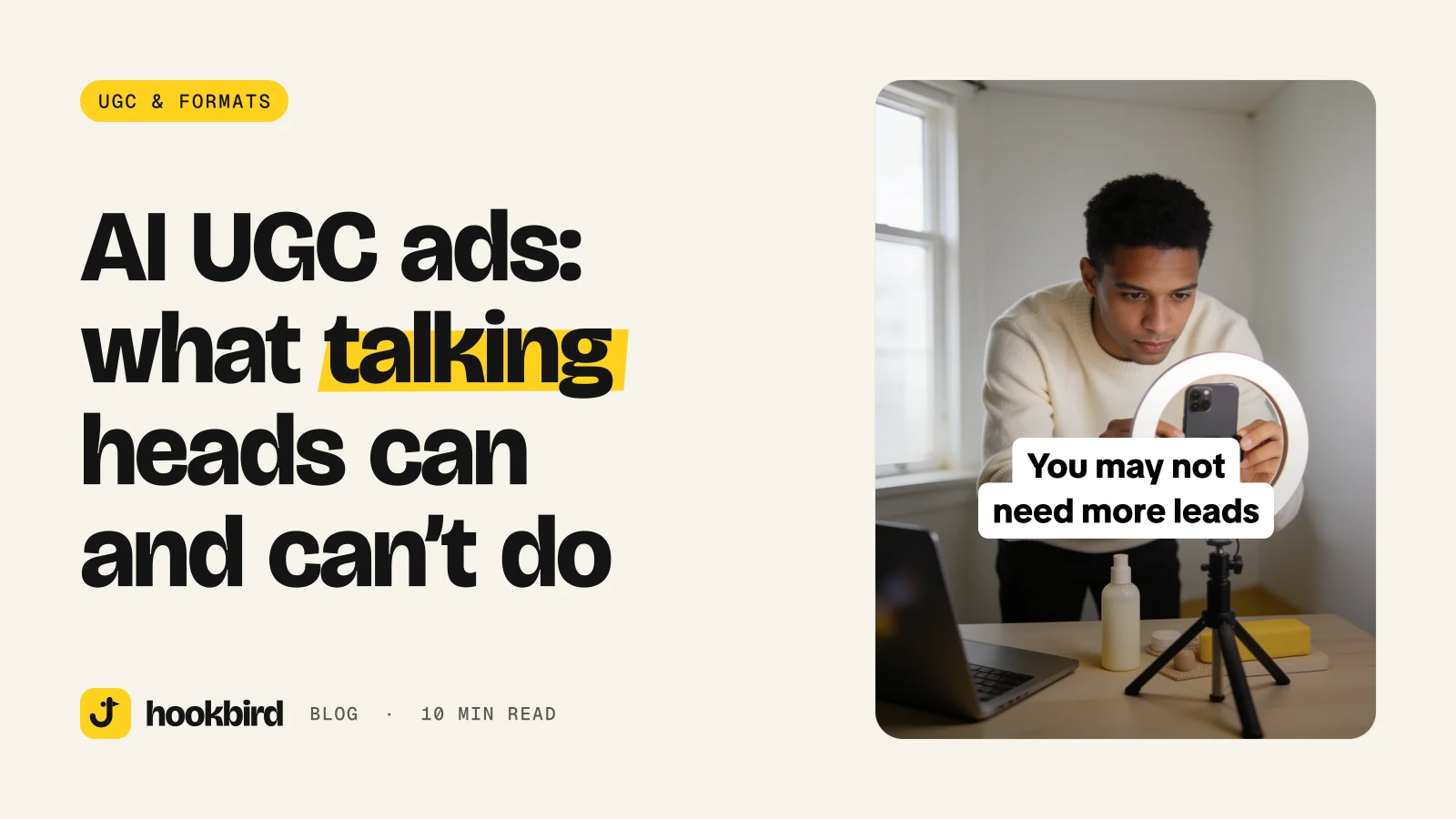
Wrong fix · Wrong fix: You may not need [common fix]. You may need [better fix].
You may not need more leads. You may need faster follow-up.
It reframes the problem. It backfires if the better fix sounds vague.
Good fit: simple explainers
AI talking heads can carry founder-style explainers, category education, objection handling, and offer comparisons. They are best for short scripts that a smart team member could read from a teleprompter.
Good fit: variant production
AI presenters also help when you need variants. Keep the same core point and change the hook, offer, audience, or region. This works for local markets, seasonal offers, and simple education in more than one language.
Where do AI talking heads fail?
AI talking heads fail when the viewer expects proof from a real person. A face reading a script cannot replace product handling, body language, taste, fit, texture, or a personal story.
Do not fake use
- Product in hand
- Try-ons and fit checks
- Taste tests
- Texture shots
- Before-and-after stories
- “I used this for a week” claims
If the line needs “I used this,” “my kid loved this,” or “watch me apply it,” use a real person. A safer swap is education: “Here is what to check before choosing [product].”
Do not fake trust
Known creators bring context. Their audience knows their taste, style, budget, and past opinions. An AI presenter has none of that history.
Do not ask an AI face to act like a customer, patient, parent, expert, or fan unless that role is clearly fictional and allowed by the platform. Use a checklist, a comparison, or a clear claim with proof instead.
Do not fake demos
If the ad needs “watch this button,” “see the shine,” or “look at the before,” use real footage. You can still use an AI hook before the demo, but the proof should be the product, the screen, or a real user.
What disclosure rules should you check before publishing?
Treat disclosure as part of the creative brief. Do not wait until the upload screen to decide how you will label realistic AI content.
TikTok
TikTok’s synthetic media policy requires people to label AI-generated content that contains realistic images, audio or video, according to TikTok. Use the AI-generated content label when you upload, and keep the caption honest too.
Meta
For Meta, check the current official Meta Advertising Standards and Help Center before you publish. Do not rely on an old checklist, because ad and AI disclosure rules can change.
Political and regulated ads
Google requires advertisers to disclose election ads that contain synthetic or digitally altered content, according to Google Ads policy.
- Label realistic AI content where required.
- Avoid impersonation and real-person likeness issues.
- Do not make fake customer claims.
- Keep proof for product claims, such as screenshots, demos, or documentation.
- Save the final script with the post record.
Get legal review for regulated categories, political ads, medical claims, finance, and anything that uses a real person’s likeness. If the ad would be risky with a human actor, it is still risky with an AI presenter.
How do you write scripts that lip-sync well?
AI presenters perform spoken copy better than landing page copy. Write for the mouth, not the page.
Write for speech
- Use short sentences.
- Put one idea on each line.
- Use common words.
- Add punctuation where you want pauses.
- Avoid tongue-twisters, brand jargon, long numbers, and stacked clauses.
Read the script out loud before you generate the video. If you stumble, the presenter will usually sound worse.
Avoid fake first person
Do not write “I tried this,” “my skin changed,” or “my client got this result” for an AI presenter. Use neutral wording: “Here is what to look for,” “Here is why this happens,” or “Here is one way to compare your options.”
Use a simple script frame
- Hook: name the pain or question.
- Problem: explain what is going wrong.
- Reason: show the cause or tradeoff.
- Proof asset: point to a demo, screenshot, checklist, or product detail.
- Next step: ask for a low-friction action.
What AI UGC ad formats should you test first?
Start small. Pick one angle, a few hooks, a few proof points, and a few calls to action. That gives you useful variety without turning your ad account into a junk drawer.
| Part | Example |
|---|---|
| Angle | Stop missed replies from website leads |
| Hooks | Wrong fix, missed factor, buyer question |
| Proof points | Inbox screenshot, response time checklist |
| Calls to action | Book a demo, get the checklist |
Pair the presenter with proof
- AI talking head only for simple education.
- AI hook before a real demo for product proof.
- AI presenter plus screenshots for software or service workflows.
- AI presenter plus product stills for simple ecommerce points.
- AI presenter plus captions for silent viewing.
Very short formats can work for simple reminders: bumper ads are non-skippable video ads of up to 6 seconds, according to Google Ads Help.
Name every variant
Use a naming system you can read later: angle_hook_proof_cta. Example: missed-replies_wrong-fix_dashboard-demo_book-demo. Good names save you from guessing what worked.
How should you mix AI presenters with real creators?
A useful workflow is hybrid. Use AI presenters to screen angles, then hire creators for scripts that need real use, product handling, or personal trust.
- 1
Write the angles
Turn each customer pain into a hook, proof point, and next step.
- 2
Generate AI presenter versions
Keep the script honest. No fake use, no fake customer story, no fake result.
- 3
Read comments and performance by hook
Look for the angle people understand fastest and the objection they repeat.
- 4
Brief creators with the best direction
Send the hook, the claim, the proof needed, and the type of footage you need.
Send creators the product, key claims, banned claims, examples, required disclosure, shot list, and usage terms. If they need to show fit, texture, taste, setup, or routine, they need the real thing.
Do not ask creators to repeat an AI script word-for-word if the point is trust. Give them the angle and the proof, then let them speak naturally.
How to do this in Hookbird
- 1
Set up your brand
Paste your website URL into Brand onboarding. Hookbird drafts a brand card, likely competitors, audience segments, content angles, and a content plan you can edit.
- 2
Build and score hooks
Use Hook Lab to write or generate hooks from your brand and angles. You can see the pattern, score, fixes, estimated percentile against your niche, and one-click rewrites, then send a hook to Create.
- 3
Make the format
Use Create for a UGC talking head where an AI presenter says your script. Or use hook + demo to stitch an AI hook before your own demo clip. Create also supports slideshow, wall of text, short video, voiceover, consistent influencer, animated stories, and styles like street interview, green screen, podcast clip, claymation, breaking news, and unboxing. Every format shows its credit price before you click.
- 4
Track, remix, and schedule
Use Radar to study competitor ads from the Meta Ad Library and other configured ad sources, then Remix an angle into your own post. Use benchmarks and analytics to compare engagement with your niche median and break results down by format and hook pattern. Then schedule from one composer and calendar to supported networks, or use Hookbird’s agent chat, MCP server, or public API to create and schedule posts on your account.
Frequently asked questions
Can I run AI UGC ads without hiring creators?
Yes, if the ad is an explainer, hook test, offer comparison, or simple education piece. Do not use AI presenters for fake customer stories, real product handling, or personal testimonials. For those, use real creators or your own team.
Do I have to disclose AI-generated UGC ads?
Often, yes, especially when the content looks or sounds realistic. TikTok requires a label on AI-generated content that contains realistic images, audio or video. Check each platform’s current rules before publishing.
Are AI talking head ads allowed on TikTok and Meta?
They can be allowed when they follow platform rules, ad policies, and disclosure requirements. For TikTok, check its AI-generated content policy. For Meta, check the current Meta Advertising Standards and Help Center before you publish.
What should I use real creators for instead of AI presenters?
Use real creators for product demos, try-ons, taste tests, routines, before-and-after stories, and content that depends on trust in a known person. AI presenters can help you find a clear angle first. Then creators can bring the proof and natural delivery.