TikTok slideshows: why the cheapest format often wins
Learn why TikTok slideshows are cheap to test, how to structure each slide, text style choices, ideas, and mistakes to avoid.
TL;DR
- 1.TikTok Photo Mode is built for still-image carousels, not only repurposed Instagram graphics.
- 2.Slideshows are cheap because you can test hooks, lists, objections, and product angles with photos, screenshots, and text.
- 3.The first slide does the stopping. The middle slides create curiosity or use. The last slide asks for one clear action.
- 4.Native-looking text can feel less like an ad than polished brand graphics when the idea is the hook.
- 5.Use slideshow winners as outlines for video, UGC, demos, and ads.
On this page
- Why does a TikTok slideshow work well for cheap testing?
- How do swipes, rereads, and completion help?
- What slide-by-slide structure should you use?
- What text styles make a slideshow feel native?
- What are 10 TikTok slideshow ideas small businesses can copy?
- What mistakes make slideshows look cheap in the wrong way?
- How to do this in Hookbird
- FAQ
A TikTok slideshow is not the lazy version of video. It is a fast way to test hooks, offers, objections, and product angles.
That is why the cheapest format often wins early. You can learn what people care about before you pay for a shoot, write a full UGC script, or edit a demo.
Why does a TikTok slideshow work well for cheap testing?
TikTok’s Photo Mode lets you post a set of still images that viewers swipe through, with music underneath. That is the format behind most TikTok slideshow posts.
The low cost comes from the source material. You can use product photos, screenshots, customer questions, before-and-after images, founder notes, menu shots, calendar screenshots, or quick phone photos.
Think of the slideshow as an angle test, not a design project. One idea can become several hooks, slide orders, and calls to action without a reshoot.
Video is still better when motion, proof, personality, or product use matters. If you sell a kitchen tool, a demo may do more work than still images. If you are testing what problem people care about, a slideshow is often enough.
- 01
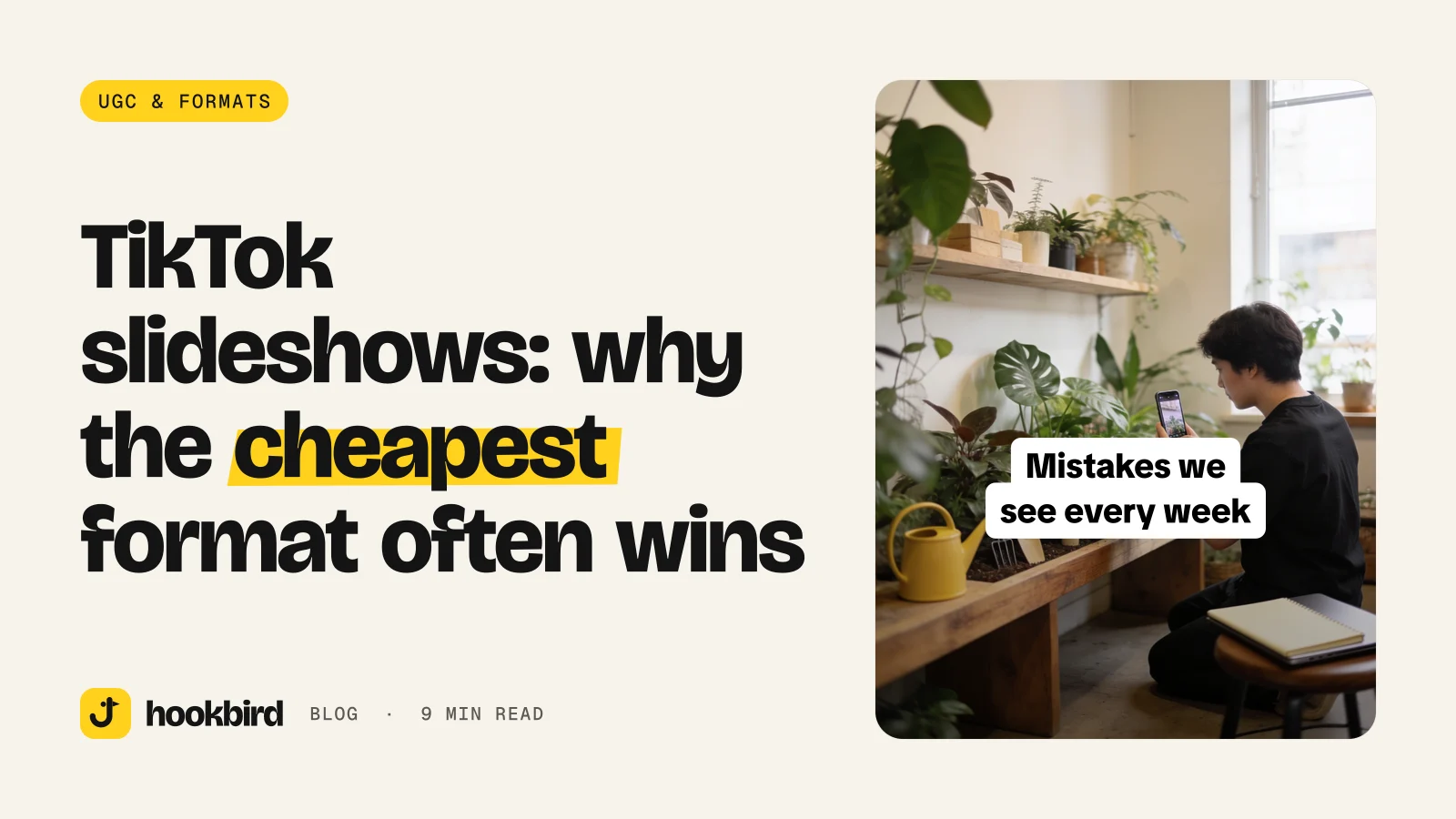
Mistake list · Mistake list: “[Product] mistakes we see every week.”
Sourdough starter mistakes we see every week.
This promises useful fixes. It backfires if the slides only shame people and do not teach anything.
- 02
Buyer warning · Buyer warning: “If you’re buying [category], read this first.”
If you’re buying your first espresso machine, read this first.
This catches people near a buying moment. It backfires when the advice is too broad.
- 03
Hidden detail · Hidden detail: “The [service] quote nobody explains.”
The bathroom remodel quote nobody explains.
This works because pricing confusion is common. It backfires if you tease a secret but only give basic facts.
- 04
Role confession · Role confession: “Things I’d never buy again as a [role].”
Things I’d never buy again as a wedding florist.
This uses a clear point of view. It backfires if the opinion feels random or unsupported.
How do swipes, rereads, and completion help?
Every slide gives the viewer another small reason to stay. They can swipe, reread, save, or send the post to someone else.
TikTok says a “strong indicator of interest,” such as whether someone finishes watching a longer video “from beginning to end,” carries more weight than a weaker signal like whether the viewer and creator are in the same country, according to TikTok. For a slideshow, use that as a creative rule: make people want to reach the end.
Slide one should be clear at a glance. Then each slide should create curiosity, answer a question, show proof, or make the post more worth saving.
What to measure after posting
- Which hook got the most early attention compared with your other posts.
- Which topic earned saves, comments, profile visits, or clicks.
- Which slide people mention in comments or messages.
- Which call to action people follow: save, comment, send, compare, book, or click.
When a slideshow should become a video
Turn a slideshow into video when the angle keeps getting a response. The slideshow gives you the outline. The video adds motion, voice, proof, product use, or a person on camera.
What slide-by-slide structure should you use?
Use a simple structure. Slide one is the hook. The middle slides build the point. The second-to-last slide delivers the payoff. The last slide asks for one action.
Slide one: stop the scroll
The first slide is not a cover. It is the reason to swipe.
Make it specific to a buyer, problem, product, price, mistake, or moment. “Tips for skincare” is weak. “Before you buy vitamin C serum, check these label details” is clearer.
Middle slides: build the reason to keep swiping
Each middle slide should do one job. Show a mistake. Compare two options. Explain a line item. Answer one question. Show one proof point.
Do not cram the whole sales page into the carousel. If a sentence needs a breath, it probably needs its own slide.
Final slide: ask for one action
The last slide should not ask for everything. Pick the action that matches the post.
- Save this before your next quote.
- Comment [word] and we’ll send the guide.
- Send this to the person who owns [task].
- Compare these before you book.
- Tap the link if you want the full checklist.
What text styles make a slideshow feel native?
Native-looking slides feel like posts, not brochures. Use phone-first text, plain backgrounds, screenshot-style notes, arrows, short captions, and readable spacing.
Brand design can help people remember you. Use your colors or product photos when they add context. But do not make every slide look like an ad.
- 01
Role opinion · Role opinion: “Things I’d never buy again as a [role].”
Things I’d never buy again as a plant shop owner.
This works when your role gives the advice weight. It backfires if the next slides do not explain the picks.
- 02
Quote check · Quote check: “Your [category] quote should include this.”
Your landscaping quote should include this.
This helps people avoid a bad purchase. It backfires if it turns into a sales pitch too soon.
- 03
Provider warning · Provider warning: “Save this before you choose a [provider].”
Save this before you choose a wedding DJ.
This fits high-consideration services. It backfires if the checklist is too generic.
- 04
Founder note · Founder note: “We tell every new customer this.”
We tell every new dog owner this.
This sounds direct and useful. It backfires if the advice feels like a slogan.
How to write text people can read fast
- Use a vertical canvas built for phone screens.
- Keep strong contrast between text and background.
- Put one idea on each slide.
- Use large, plain text instead of tiny captions.
- Check the current TikTok and Instagram upload screens before you build a big batch. Do not trust old screenshots or random templates.
What are 10 TikTok slideshow ideas small businesses can copy?
Use these as starting points. Swap in your category, buyer, product, service, and common objection.
| Business type | Hook slide | Middle slide prompts | CTA |
|---|---|---|---|
| Product businesses | Before you buy [product], check these details. | Show what to inspect, what to avoid, and what matters by use case. | Save this before you buy. |
| Product businesses | The honest difference between [cheap option] and [premium option]. | Compare materials, fit, lifespan, support, or best buyer. | Comment COMPARE for the short guide. |
| Product businesses | What we’d choose for [customer type] with [constraint]. | Show the constraint, the best option, and the tradeoff. | Send this to someone choosing between options. |
| Local services | Signs your [thing] needs [service]. | Show symptoms, what they mean, and when to get help. | Save this before you book. |
| Local services | Questions to ask before hiring a [provider]. | Show the question, why it matters, and a good answer. | Use this at your next quote call. |
| Local services | What changes the price in [category]. | Show a basic option, a mid-range option, and what changes the price. | Comment PRICE if you want the checklist. |
| Local services | The [category] mistakes we fix every week. | Show the mistake, the cause, and the fix. | Send this to someone planning this now. |
| B2B and professional services | How to use [product] if you’re a beginner. | Show setup, first use, and the mistake to avoid. | Save this for day one. |
| B2B and professional services | What to bring, ask, or check before your [appointment/visit/order]. | Show prep steps, key questions, and what to expect. | Save this before your appointment. |
| B2B and professional services | Our best [products/services] for [specific situation]. | Show the situation, the best-fit option, and who should skip it. | Comment [WORD] and we’ll send the list. |
What mistakes make slideshows look cheap in the wrong way?
Cheap is good when it means fast to test. Cheap is bad when the post feels careless or unclear.
- Treating slide one like a cover page instead of a hook.
- Adding too much text to every slide, so the viewer gives up instead of swiping.
- Using vague titles like “tips and tricks” instead of naming a clear audience, problem, or outcome.
- Ending with “follow for more” when save, comment, compare, book, or send would fit better.
- Posting one slideshow and judging the whole format instead of testing several hooks and angles.
- Copying a trend without changing the product, buyer, objection, or offer.
The fix is simple. Write the hook before the design. Then make each slide earn its place.
How to do this in Hookbird
- 1
Build your brand base
Paste your website URL into brand onboarding. Hookbird drafts a brand card, likely competitors, audience segments, content angles, and a content plan you can edit.
- 2
Batch and score hooks
Use Hook Lab to generate slideshow hooks from your brand and angles. Review the score, pattern, notes, estimated niche percentile, and one-click rewrites.
- 3
Create the slideshow
Send the chosen hook to Create. Build a slideshow with the hook on slide one, and review the credit price before generation.
- 4
Study, schedule, and compare
Use Radar for competitor ads, ad variants, days live, and trends by niche and region. Then schedule approved posts from the composer and compare results by format and hook pattern in analytics.
Frequently asked questions
How do you make a TikTok slideshow?
Start with one clear hook, then build slides that answer the promise. Use still images, screenshots, product photos, or simple text slides. Add a final slide with one action, such as save, comment, book, or click.
Are TikTok slideshows good for business accounts?
Yes, they can be useful for testing ideas before you make video. They work well for comparisons, checklists, quote explanations, product picks, and common mistakes. Treat them as a way to learn what your audience cares about.
What should the first slide of a TikTok slideshow say?
The first slide should name the buyer, problem, product, or moment. Avoid a cover page like “Our top tips.” Use a direct line such as “Before you hire a [provider], ask these questions.”
Can I repost a TikTok slideshow on Instagram Reels or carousels?
You can adapt the idea, but check each app’s current upload screen before batching. A TikTok Photo Mode post may work better as an Instagram carousel than as a Reel, depending on the format. Keep the first slide strong either way.